New User Group Form
User groups are a group of email addresses and phone numbers used to configure remote monitoring alerts. When the remote monitor needs to alert the customer about a potential emergency situation the user group that is configured for that alert will send emails to all the individuals in the group and optionally send text messages.
Adding the User Group to Airtable
Accessing New User Group Form
To add the user group to the database, search for the form New User Group in the view search bar.

New User Group Name
Once the form is open you can enter the information for the user group. Record the same user group name used in the alert engine server.
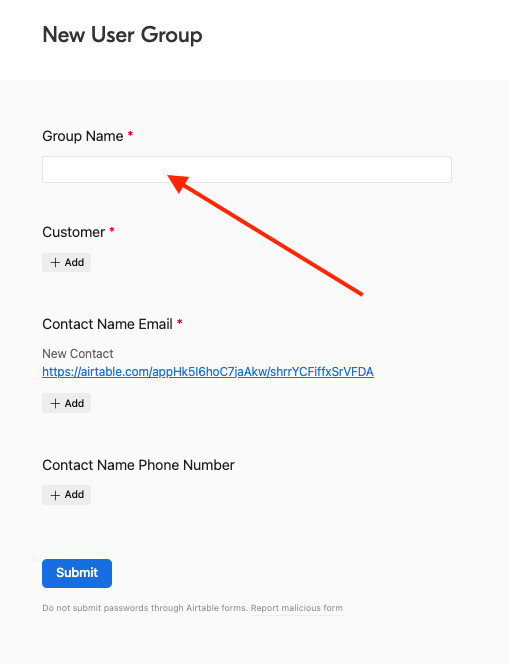
Add Customer
The customer is always the parent company that is being invoiced for the remote monitoring solution.

Contact Name Email
Add the same contact name emails to the field as are configured in the the user group.
Tip
If the users email or phone number do not populate you will need to add them via the Add Contact Name Form. Or use the link given in the New User Group Formn within Airtable.
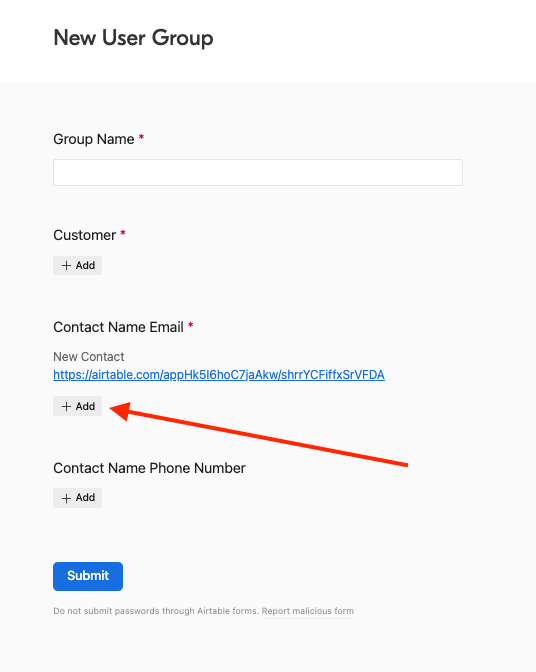
...And do the same for the contact name phone number.

Once you have all the contact information added to the form press the submit button.
Success